One place for status
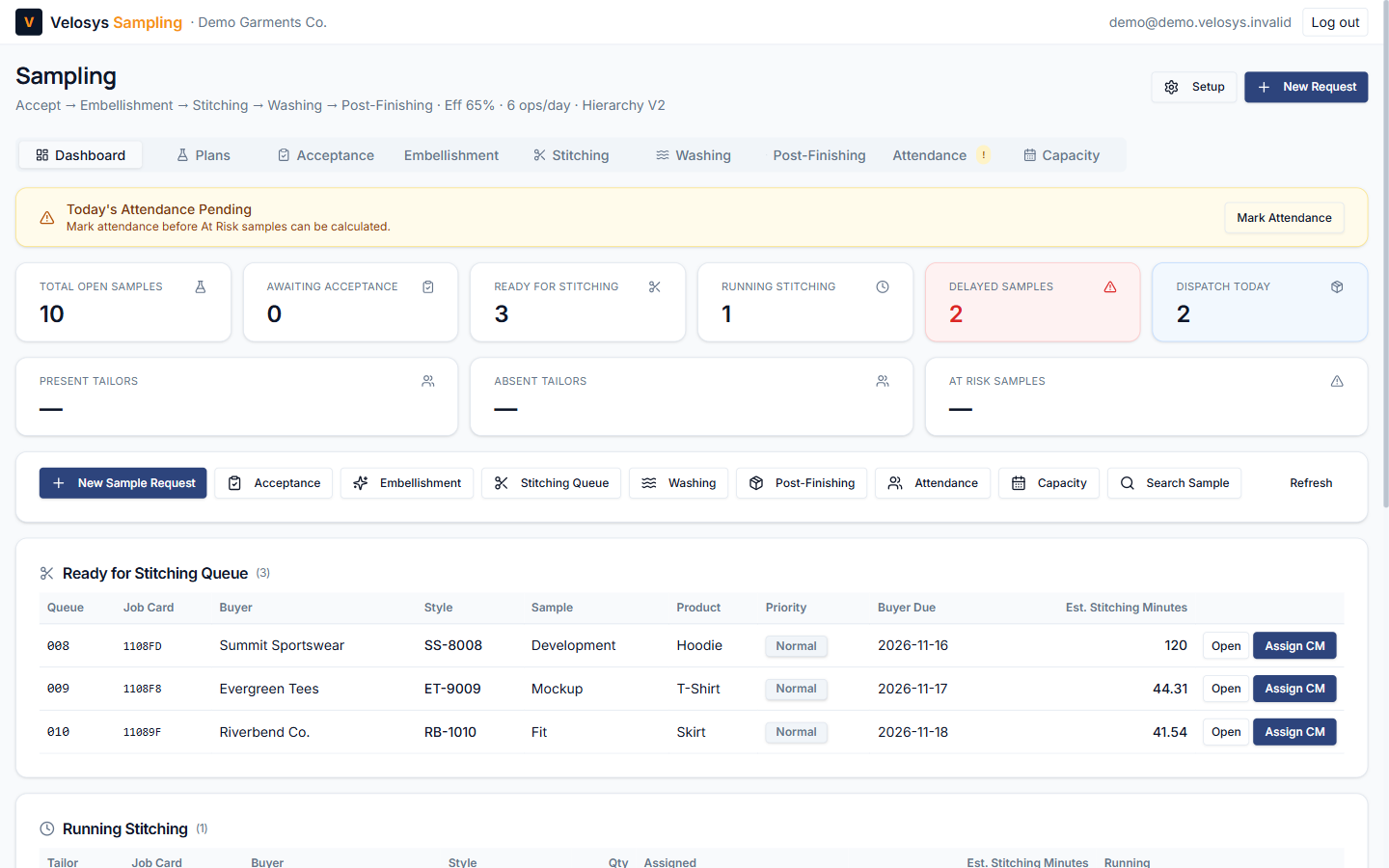
Every sample's stage, holder and next step is visible on one screen. No more walking the floor to find out.
Velosys Sampling
Velosys Sampling tracks every sample from the merchant's request to the buyer's feedback: who has it, what is next and what is running late.
No payment details needed · Runs in your web browser
Why it helps
Every sample's stage, holder and next step is visible on one screen. No more walking the floor to find out.
Samples past their buyer due date are counted on the dashboard, so the team can act before a date slips further.
Planned minutes come from the sample type, product, SAM, efficiency and your daily operators, not guesswork.
DQA checkpoints and the alteration loop are recorded before a sample leaves the room.
The workflow
Embellishment and washing apply only to samples that need them.
What's included
Buyer, style, sample type, product, SAM, quantity, due date and reference photos, plus a printable request form.
A seven-point checklist (fabric, trims, tech pack, measurements, pattern, BOM, instructions) before work starts.
Assign cutting masters and tailors, with a daily stitching queue and a running-stitching view.
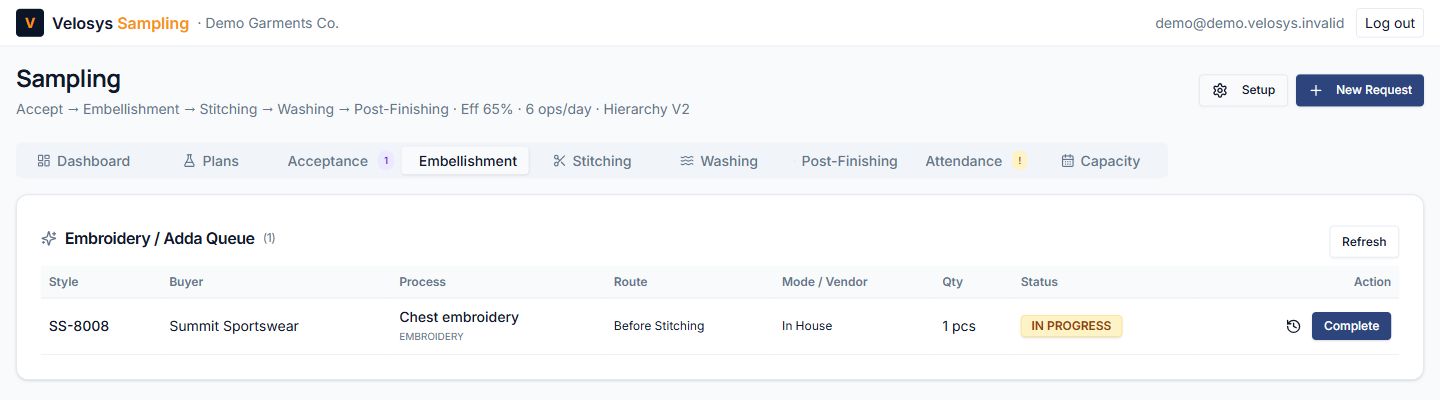
Track embroidery, hand work, enzyme and acid wash, in-house or with a vendor, with challans in and out.
Mark today's attendance and see which samples are at risk when a tailor is absent.
See the load on your sample room day by day, based on your efficiency and operators.
Five DQA checkpoints; a failed check goes to alteration and back to DQA, with every attempt kept.
Record how a sample was sent and the buyer's result: approved, revision required or rejected.
Each company gets its own private workspace. No other company can see its samples or setup.
See it before you sign up
The demo is a sample room with eleven samples at every stage, including an embroidery and a wash in progress. It is read-only, so explore freely; no account needed.
Open the live demo90-day free trial
Enter your company name, email and a password.
Click the link we send you to open your workspace.
Add your tailors, cutting masters and capacity in Setup.
Create your first sample request and move it through the flow.
No. The trial needs only your company name, email and a password.
The workspace becomes read-only: you can still sign in and view all your data, but you cannot make changes.
No. Velosys Sampling runs in your web browser.
Yes. Every company has its own workspace, and every record belongs to that workspace only.
Set up your sample room today. No payment details needed.